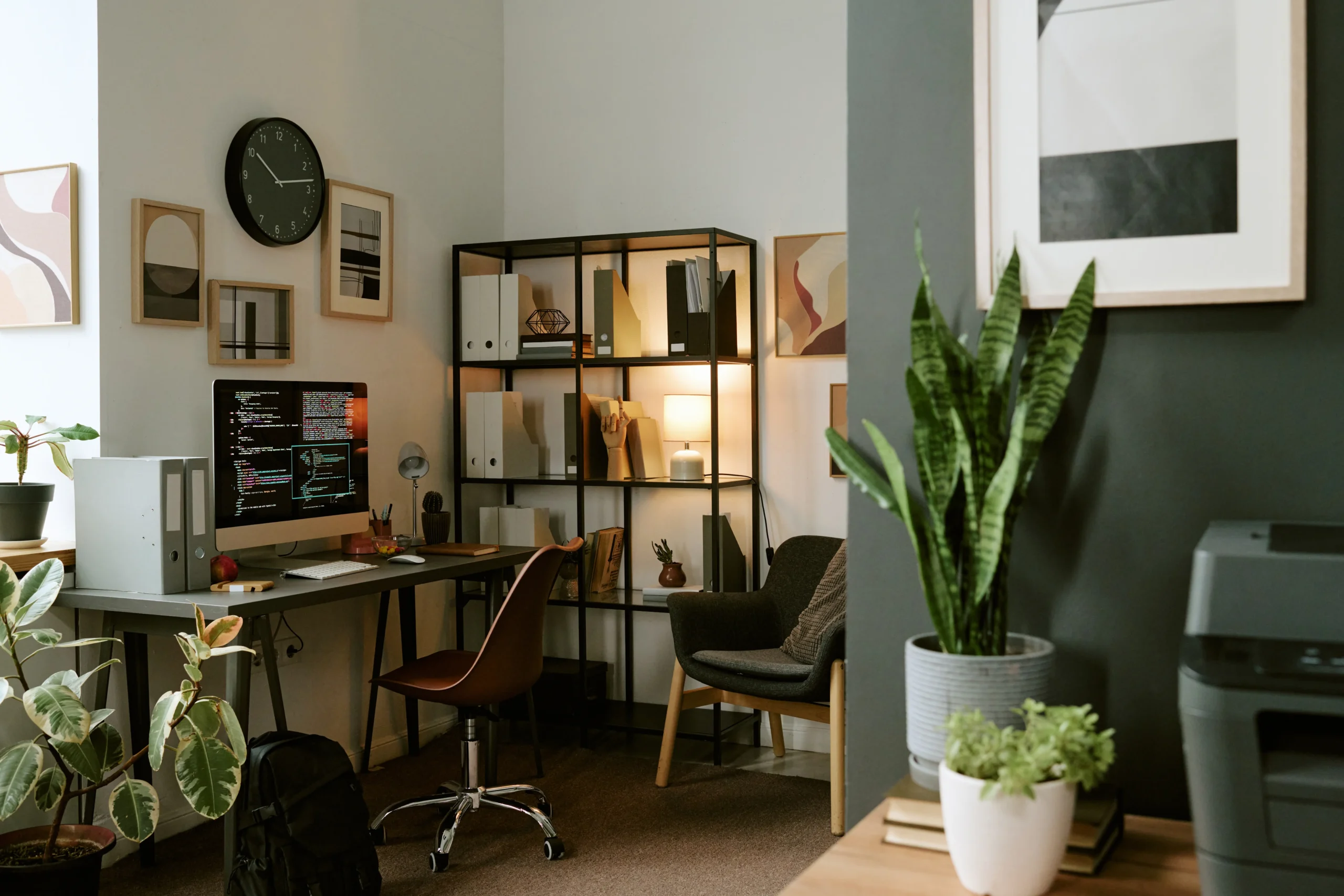
After a long Canadian winter, spring is the perfect time to breathe new life into your home office. Whether you’ve been working remotely for years or recently made the switch to hybrid work, a few targeted upgrades to your workspace — both physical and digital — can dramatically improve your productivity, comfort, and security.
Joe Apps supports remote workers and home-based businesses across Burlington, Oakville, Hamilton, and Halton Region with everything from home networking setup to full IT support and cybersecurity. Here’s our spring refresh guide.
Start with Your Physical Setup
Ergonomics First
If your neck hurts by 2 PM, you’re losing productivity. Spring is the perfect time to invest in proper ergonomics: a monitor at eye level (use a stand or arm), a chair with lumbar support, and a desk at the right height so your elbows are at 90 degrees. These are one-time investments with daily returns.
Lighting Matters More Than You Think
Position your primary light source to the side of your monitor, not behind it (which causes glare) or in front of it (which silhouettes you on video calls). A simple ring light or desk lamp with adjustable colour temperature makes a noticeable difference on video calls and reduces eye strain over long work days.
Upgrade Your Technology
Your Router is the Foundation of Your Remote Work
Is your home router more than 3 years old? Consumer routers receive security patches only for a limited time, and older models may have known vulnerabilities. A modern Wi-Fi 6 router dramatically improves range, speed, and reliability — especially in homes where multiple devices are competing for bandwidth. Joe Apps can recommend, supply, and configure a router suitable for your home office needs. See our networking services.
A Wired Connection Where Possible
For video calls, large file transfers, and cloud backups, a wired Ethernet connection is always faster and more reliable than Wi-Fi. If your office is far from your router, consider a powerline adapter or a longer Ethernet run — or ask Joe Apps about our home networking setup services.
External Monitor, Camera, and Microphone
Three upgrades that pay for themselves in the first week: a second (or larger) monitor to reduce window-switching fatigue, a dedicated webcam for sharper video quality, and a USB microphone or headset so your calls sound professional. The built-in laptop mic is almost always the weakest link in a video call.
Upgrade Your Backup Solution
If you’re working from home, your business data may be more vulnerable than you realize. Is your work laptop backed up? If not, a single hardware failure could mean losing everything. Joe Apps offers automated cloud backup solutions that protect your data 24/7 without you thinking about it.
Secure Your Home Office
Separate Work and Personal Networks
Most modern routers allow you to create a guest network. Put your personal devices (smart TVs, phones, gaming consoles) on the guest network and keep your work devices on the main network. This limits the attack surface if a personal device is compromised.
Use a VPN
A business VPN encrypts all traffic between your home office and your company’s systems. This is especially important if you’re accessing sensitive client data, financial information, or business servers from home. Contact Joe Apps to set up a business VPN for your remote team.
Update All Software
Spring refresh means update refresh. Make sure your OS, browsers, antivirus, and all business applications are fully up to date. Enable automatic updates wherever possible.
A Burlington IT Partner for Remote Workers
Joe Apps supports home-based and hybrid workers across Canada with remote and on-site IT support, home network optimization, device setup, and cybersecurity. Whether you need a one-time setup or ongoing managed support, we’re your local IT team.
Frequently Asked Questions
How do I know if my home Wi-Fi is fast enough for remote work?
Run a speed test at https://fiber.google.com/speedtest/. For comfortable remote work including video calls and cloud applications, you generally need at least 25 Mbps download and 10 Mbps upload per person. If you’re falling short, Joe Apps can diagnose whether the issue is your ISP plan, your router, or your home network layout.
Should I use my personal laptop or a company device for work?
A dedicated work device is strongly recommended for security reasons. Using a personal laptop for work mixes personal and professional data, makes it harder to enforce security policies, and creates complications if the device is lost or needs to be wiped. Joe Apps can procure and configure business laptops for your team.
What’s the most important cybersecurity step for home office workers?
Enabling multi-factor authentication (MFA) on all work accounts is the single most impactful step. It blocks the vast majority of credential-based attacks. Second, using a password manager to ensure every account has a unique, strong password closes another major vulnerability.
Can Joe Apps provide IT support for my home office in Burlington?
Absolutely. We provide both remote and on-site support to home-based professionals and small businesses throughout Burlington, Oakville, Hamilton, and the broader Halton Region. Call us at 1-905-633-5777 or visit joeapps.ca/contact-us.