You’ve seen that little pop-up in your browser: “Would you like Chrome/Edge/Safari to save this password?”
And almost without thinking, you click Yes. It’s convenient. It’s fast. Everyone does it.
But here’s the thing: browser password saving is one of the most dangerous habits your team can have. And it’s one of the top ways attackers break into Canadian businesses.
You might think your passwords are “safe” because they’re saved in a browser… right up until someone accidentally syncs them across devices, loses a laptop, or gets hit with a basic malware attack that steals them all at once.
If your business relies on browser-saved passwords, you need to stop today.
Here’s what goes wrong:
1. Browsers Sync Passwords Everywhere (Even Places You Didn’t Mean To)
You may not realize that if you log into Chrome at home, your work passwords sync to your home computer.
If your employee logs into Chrome on their phone, passwords sync to their personal phone.
If any of those devices are stolen, lost, or compromised, someone else gets all of those saved passwords instantly. That includes any company credit cards, social media accounts, and other sensitive personal or business information.
2. Malware Loves Browser Password Storage
Malware today doesn’t just lock files or steal data.
A huge percentage of modern malware is designed to extract browser-saved passwords in seconds.
If even one employee clicks a malicious link, attackers can pull every saved password (and file, but that’s a story for another day) from any browser, account, or cloud-based storage.
Once they have those, the attack doesn’t just affect one device – it affects your entire business.
3. Employees Take Passwords With Them When They Leave
If passwords are stored in browsers, you can’t revoke access cleanly. You can’t see what accounts were saved. You can’t confirm whether copies exist at home.
And this all makes it that much more difficult to enforce password changes when turnover inevitably happens.
Strong password management means being able to – in a single click – add or revoke access for employees across your organization.
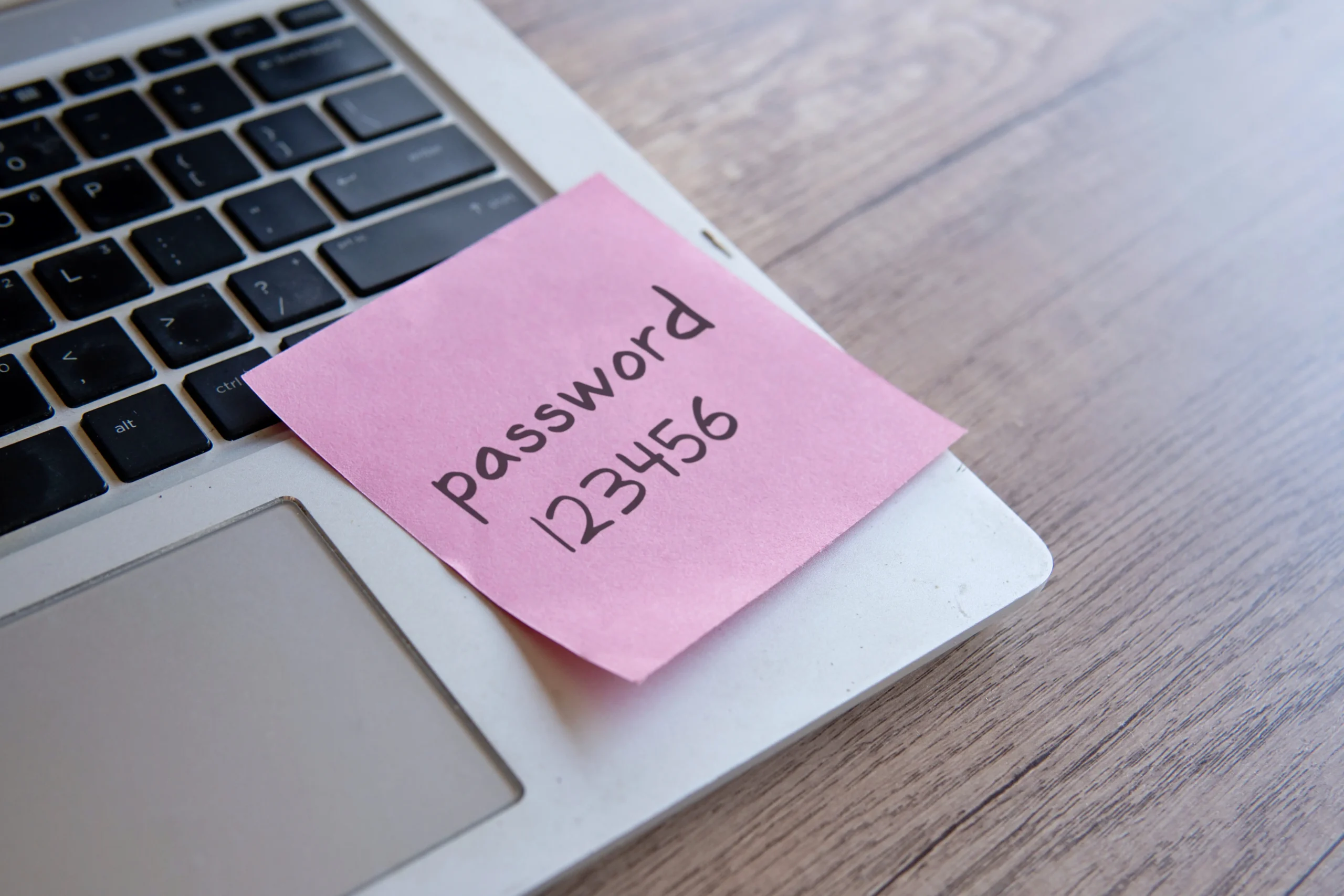
We trust our password manager to keep things efficient on turnover, and promotion, too. No more sticky notes or scribbled passwords on scrap paper. When someone’s role changes in our company, we can update their access to accounts in moments.
So What Should You Do Instead? Switch to a Password Manager
A real password manager:
- Creates strong, unique passwords
- Stores them in an encrypted vault
- Syncs them securely
- Lets your team share passwords safely
- Lets you revoke access when needed
- Prevents password reuse
- Works on all devices
- Locks itself automatically
Once your team moves to a password manager, even though the urge to click “Save Password” might stick around for a little bit, with proper training and processes, you’ll have eliminated one of the biggest vulnerabilities we see in businesses across Canada.
Joe Apps can set this up for your entire team in under a day.
One More Thing: Add Multi-Factor Authentication (MFA) Everywhere
Even with a password manager, MFA is essential. It’s the safety net that protects you if a password ever leaks.
Joe Apps handles MFA rollout for businesses of all sizes – especially teams with mixed levels of tech comfort.
Breaking the Habit Starts Here
Browser password saving is a deeply ingrained behaviour. People click “Save” without even thinking.
But for your business? It’s time to think about it.
The good news is that the fix is easy – and Joe Apps can help you implement a safer, smarter system without slowing anyone down. Reach out today to upgrade your password security and eliminate one of the biggest risks to your business.