






IT SUPPORT · BURLINGTON, ONTARIO

IT support in Burlington.
Built around your business.

Joe Apps is headquartered in Burlington and supports growing organizations that want dependable day-to-day help, practical cybersecurity and a clearer technology plan.
Remote and on-site arrangements are confirmed around your locations, systems and support requirements.
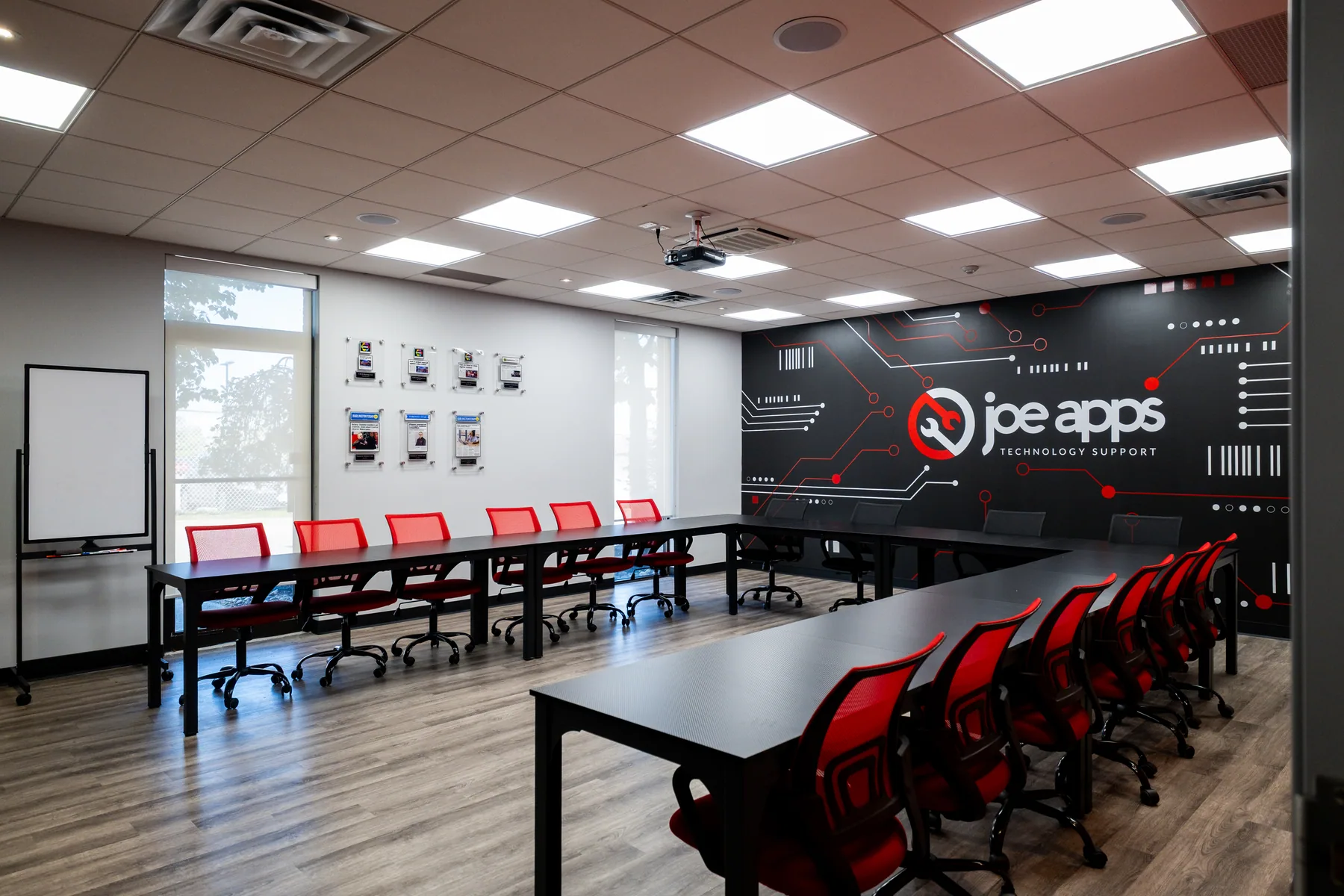
Joe Apps meeting room in the new Burlington office
START WITH THE WORK

Know who owns the next step.

When a sign-in problem, device issue or supplier hand-off interrupts the day, your people should not have to become the technical coordinator. We begin with the business impact, clarify responsibility and keep the next action visible.

Fully managed IT

An agreed relationship for support, maintenance, cybersecurity and planning when you do not have an internal IT team.

Co-managed IT

Additional capacity, monitoring, project help or specialist input alongside your existing IT people.

WHAT BURLINGTON ORGANIZATIONS CAN BRING TO ONE TEAM

Support, protection and planning
that work together.

The exact service scope is confirmed after we understand your people, locations, systems and existing suppliers.
Illustration representing Everyday IT support

Everyday IT support

Give employees a clear place to get help with supported devices, accounts and business applications.
Illustration representing Cybersecurity

Cybersecurity

Connect identity, endpoint, email and recovery safeguards to the risks your organization needs to manage.
Illustration representing Microsoft 365 & cloud

Microsoft 365 & cloud

Organize access, collaboration and cloud services around the way your team works.
Illustration representing Networks & infrastructure

Networks & infrastructure

Keep offices, devices and business systems connected with responsibilities made clear.
Illustration representing Compliance readiness

Compliance readiness

Turn requirements into practical controls, ownership and useful evidence without presenting IT guidance as legal advice.
Illustration representing Remote & on-site support

Remote & on-site support

Start with the most practical support route and agree when work needs to happen in person.
A LOCAL HOME BASE. A BROADER SERVICE MINDSET.

Burlington matters.
Your organization matters more.

Our Burlington base gives local organizations a nearby team and a real place to meet. It does not limit the relationship: we also support teams across Southern Ontario and, where the operating model fits, elsewhere in Canada and the United States.

Local relevance without a city-name template.

This page explains how the relationship works for Burlington organizations. It does not promise an unverified travel time, response time or office radius.
A CLEARER START

What happens before
you change IT providers?

01 / CONNECT

Talk about the business.

Use a 30-minute Right Fit Call to discuss your people, priorities, frustrations and current support model.
02 / DISCOVER

Understand the environment.

If there is a fit, agree what information is needed to understand systems, suppliers, risks and responsibilities.
03 / PROPOSE

Review scope before committing.

See the proposed services, responsibilities, transition approach and pricing before deciding how to proceed.

What to include in a plan for IT support in Burlington

Use these questions to define what your Burlington office and hybrid staff need. Bring your answers to the first conversation so the support plan can reflect how your team actually works.

Which requests belong in the helpdesk?

Start with the issues that keep staff from working. List the devices, accounts and applications that generate the most requests, then decide who can open a ticket and who can approve a change. If a request belongs with a software vendor, agree who makes the call, shares the relevant details and follows up. The service scope should tell staff where to go and give managers a contact for issues that affect several people.

See how Joe Apps handles business helpdesk support.

When should we plan an on-site visit?

Remote help can work for many sign-in, account and application issues. Plan on-site time for work that depends on the physical setup, such as moving a network connection, installing equipment or checking a weak Wi-Fi area. For a Burlington office visit, identify who can provide access, when the workspace is available and which team needs to approve downtime. If a site has shared building infrastructure, determine what your landlord or building manager controls before agreeing on the work.

Read about on-site IT support.

How do we plan support around busy periods?

Name the periods when a change would cause the most disruption, such as payroll, month-end or a seasonal rush. For planned maintenance, confirm the window, who will test the affected workflow and when to roll back if it fails. For an urgent issue, identify a contact authorized to agree on an alternate way to work. Give your staff one place to find updates so they can make decisions while the issue is being resolved.

What changes when we have hybrid staff?

Use the same support route for everyone where practical. Keep a record of who owns each machine and agree how to prepare, ship, repair or replace it. For new employees, identify which accounts, permissions and tools they need before their start date. When someone leaves, name the person who approves access removal, records the handover and arranges equipment return. Include exceptions in the plan for staff who share a device or use equipment outside the office.

See how remote IT support is scoped.

How should support and recovery work together?

Ask which systems can stop work across the office if they fail. Agree who owns backups, who checks them and what a recovery test should demonstrate. A payroll team, for example, can verify that it can recover the records it needs to complete a pay run. Record the expected time to resume work and how much recent data the business can afford to lose. Review those assumptions when a critical application or supplier changes.

Read the Canadian Centre for Cyber Security’s small business guidance.

How can we compare IT support proposals?

Compare the same scope in each proposal. Check which locations, staff and systems are covered, what gets billed separately and who handles work that another supplier must do. Ask what happens when you add a new location, move offices or need project support. A clear proposal explains how those changes affect scheduling, fees and support responsibilities. Bring an example of a recurring problem and ask each provider to show how the people involved would get it resolved.

Explore fully managed IT services in Burlington.

IT SUPPORT IN BURLINGTON

Questions local leaders
often ask.

Yes. Joe Apps Technology Support Inc. is headquartered in Burlington, Ontario. The support arrangement for each organization is still designed around its people, locations, systems and needs.

Remote support is often the practical first step. When equipment, connectivity or project work needs someone on site, scheduling and scope are confirmed as part of the service arrangement. No universal response time is assumed.

Potentially. We support organizations with distributed teams when the remote support model, locations, service hours and on-site requirements can be agreed clearly. Those details are confirmed before a proposal.

Yes. A co-managed relationship can add agreed capacity, monitoring, cybersecurity, project delivery or strategic input while keeping ownership and escalation clear.

Bring the business context: approximate team size, locations, what is not working, important deadlines or changes, and who currently owns technology decisions. You do not need a complete technical inventory for the first call.

No. The Right Fit Call is a mutual conversation. We will discuss your needs and operating model, explain what we would need to learn next and be direct if the relationship does not appear to fit.
LET’S TALK ABOUT YOUR IT

Less time on IT problems.
More time on your business.

Tell us what isn’t working. We’ll help you understand your options and decide whether Joe Apps is the right fit.
A low-pressure conversation about your business and whether we fit each other. Or call 1-866-563-2771.
Chat with Joe Apps